
Previously, the daily timesheet would only display shifts that were published. We have now added the option to ‘Show Unpublished Shifts’ when viewing or printing the daily timesheets from the dashboard. The unpublished shifts will display with a different colour and pattern to identify they are unpublished.
Note: the unpublished shift will only display on the timesheet if they are assigned to an employee.
After selecting ‘View Timesheet’ from the dashboard, you will see ‘Show Unpublished Shifts' in the options list. Check this option to see unpublished shifts. 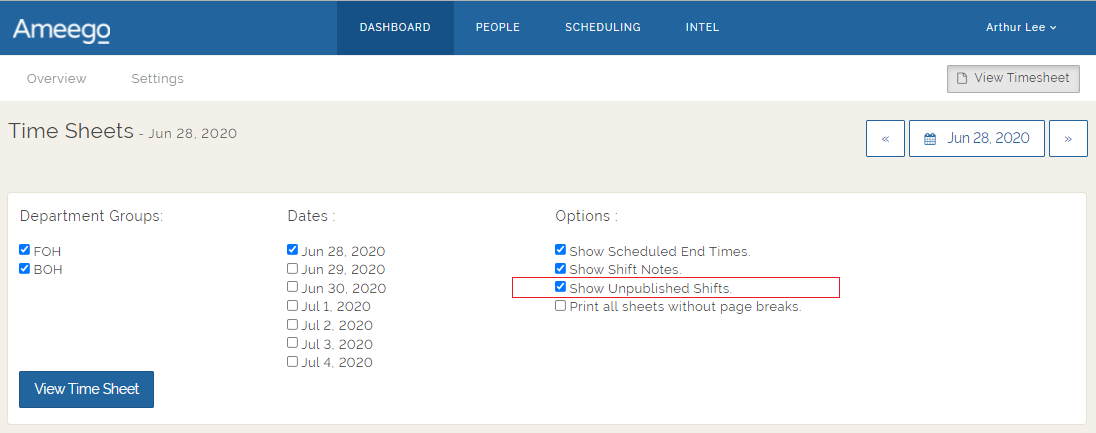
Here an example of an unpublished production shift when this option is selected: 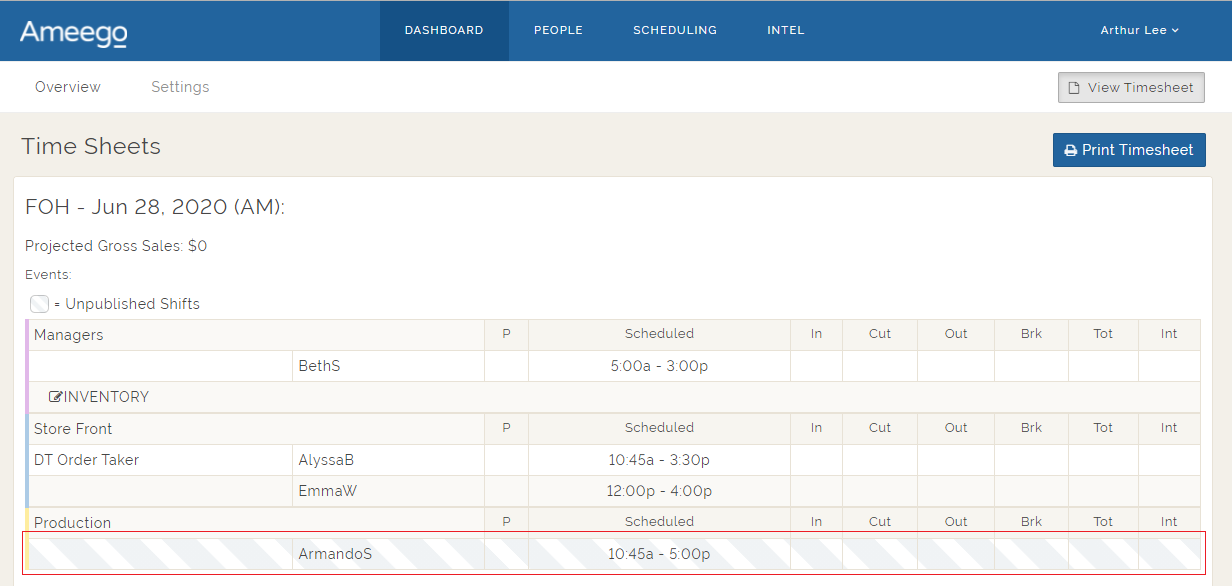
Comments
Please sign in to leave a comment.