
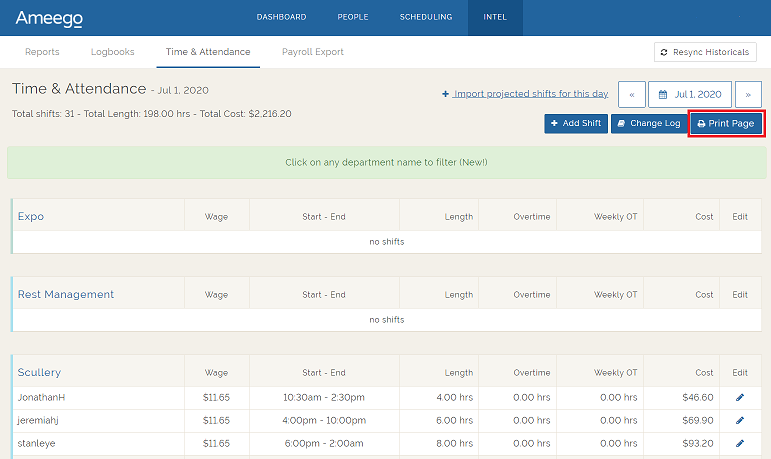
We have added a ‘Print Page’ button to the Ameego Time & Attendance page! The Time & Attendance page represents your actual shifts for a day whether we sync it in from your POS, Ameego's Time Clock or if you manually enter it.
Navigation: Intel, then Time & Attendance
Use the calendar to choose the date and then click the 'Print Page' button. The printed version will show all the information visible on this page except for the header totals, edit column and departments without any shifts.
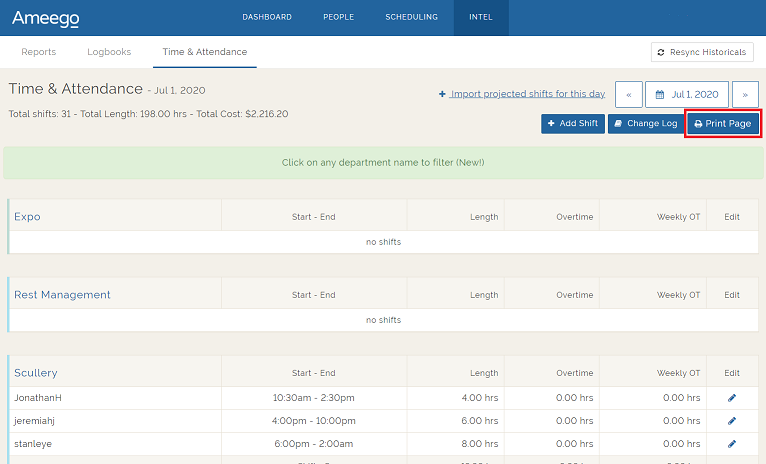
If a user with a ‘Supervisor’ permission level chooses to print this page, the wages and cost columns will not be visible in the printed version.
Comments
Please sign in to leave a comment.